From my recording“The captions, the cuts,
the graphics, the music.”
Your judgmentWatch. Check.
Make it yours.
A recorded edit, unpacked. Your footage. AI assistance. Human judgment.
See how it works.
Explore the decisions behind an AI-assisted edit. Start with the setup, or follow a recording through to export.
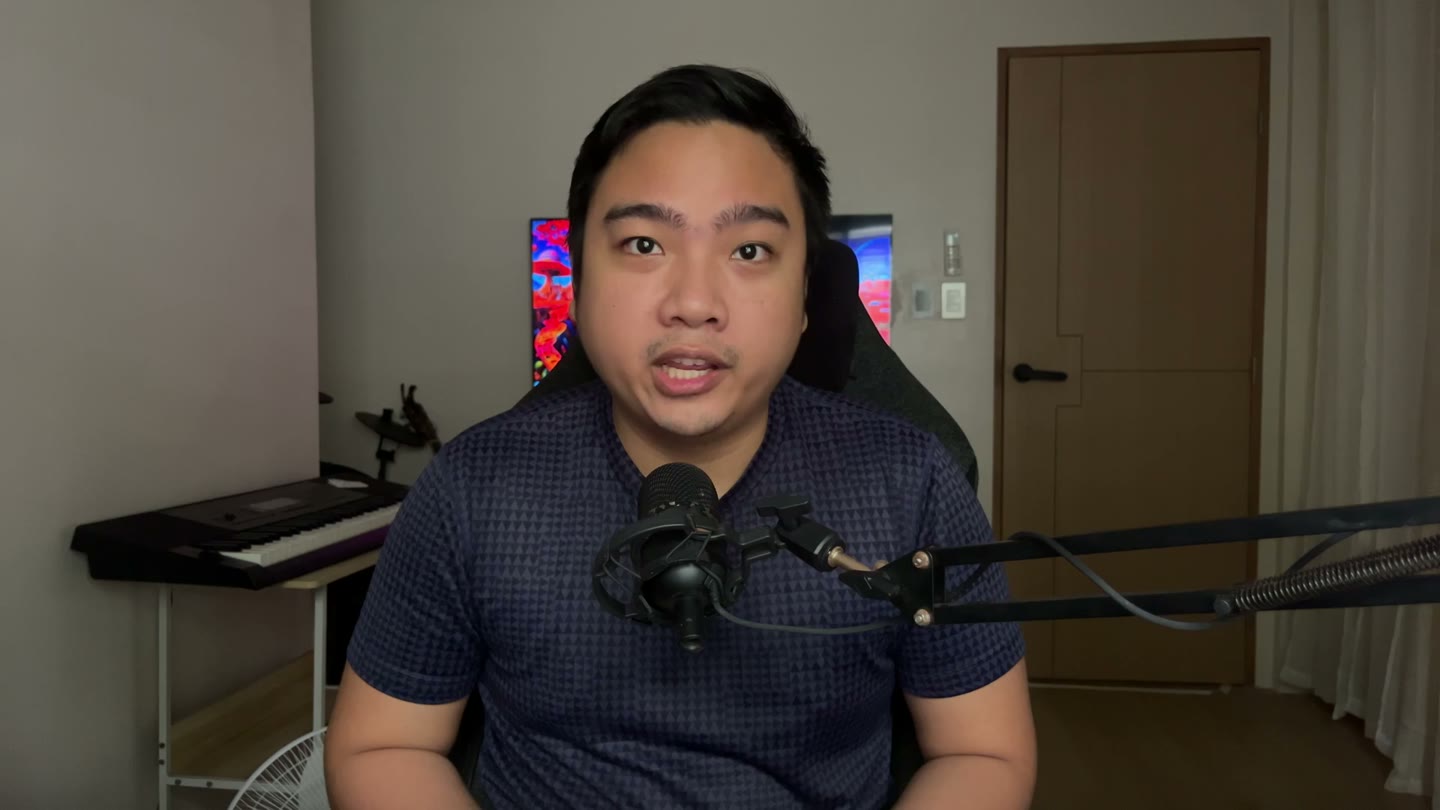 The workflow runs on your computer.
Start with the tools.
Before the first edit, check the computer, AI access and local tools the kit needs.
- You bring
- A Mac or Windows computer, local AI coding access and enough free space.
- You work toward
- The tools and kit installed for a first test.
- The human check
- You approve installs and sign in to your own accounts.
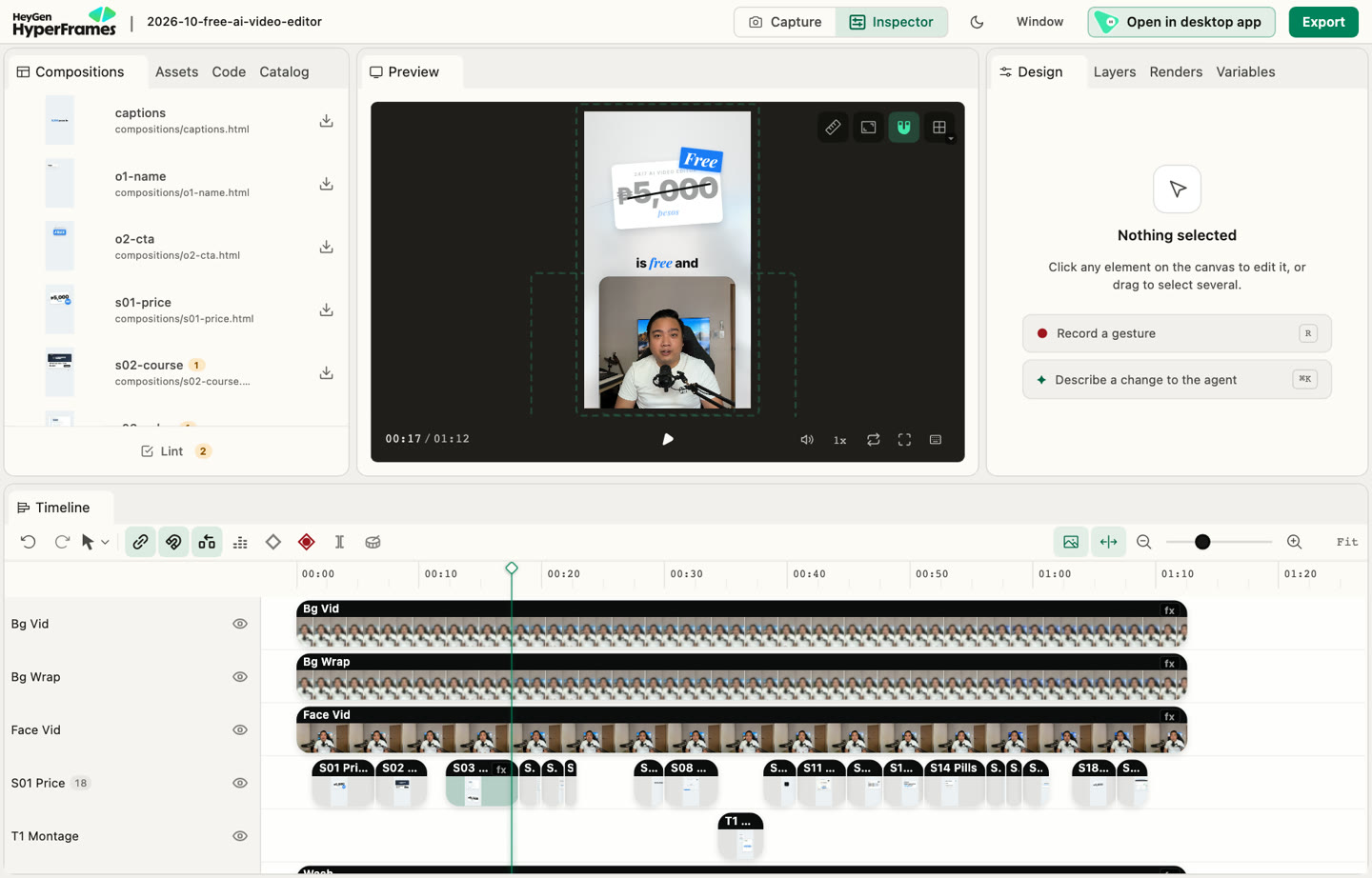 My editing project, open in its workspace.
Open the right place.
The editing instructions live inside the kit. Your assistant needs to work in that folder.
- You bring
- The installed herk-edit-kit folder and a local session.
- You work toward
- A session that can find the kit’s editing skills.
- The human check
- Check that edit-video and short-form-edit are available.
Render a small test.
A successful install is only a starting point. Try a demo before giving it your full recording.
- You bring
- The kit’s demo project and the documented setup check.
- You work toward
- A preview and an exported demo file, if setup is working.
- The human check
- Open the file. Check picture, sound and where it was saved.
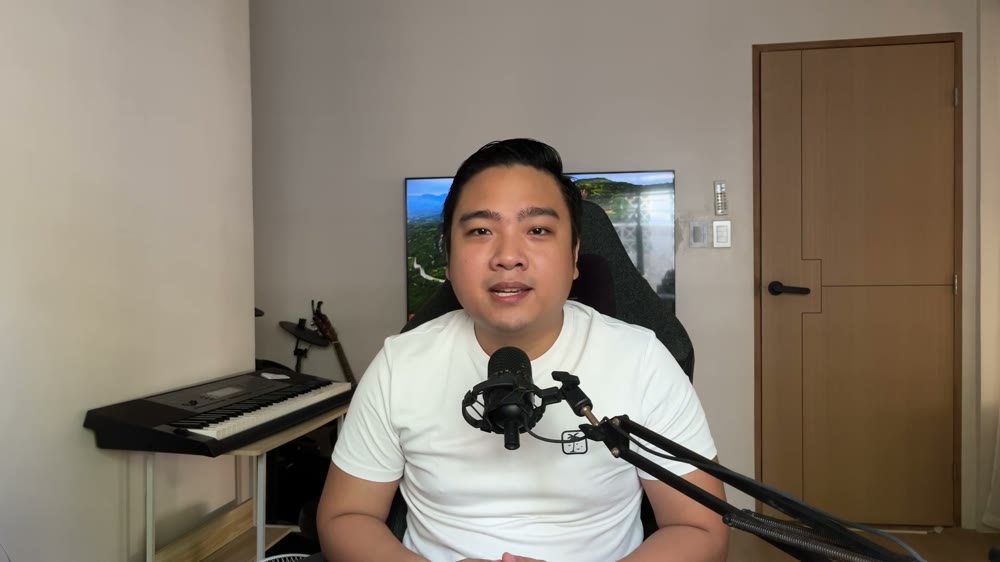 My original recording, before the edit.
Start with your voice.
Give the assistant a recording of your own, a script for spelling, and a reference for the editing style.
- You bring
- Your video, script, spoken language and intended format.
- You work toward
- A clear brief for this particular edit.
- The human check
- You choose the message, the style and what must stay.
“The captions,
the cuts,
the graphics,
the music.”
Words from my recording.Work from what was said.
A transcript gives the edit timing and words. Captions should follow the recording, including ad-libs.
- You bring
- The recording and the correct spoken language.
- You work toward
- Words with timestamps to guide cuts and captions.
- The human check
- Check names, technical terms and multilingual speech.
Shape the first draft.
The assistant uses the kit to tighten pauses, work through retakes, and build captions and graphics.
- You bring
- The transcript, your brief and media you have permission to use.
- You work toward
- A working video draft with editable layers.
- The human check
- Check the cuts and whether the edit preserves your meaning.
Your judgment stays.
Watch the result. Listen to the sound. An export that completes can still need changes.
- You bring
- The draft preview and your original intent.
- You work toward
- Specific fixes or a draft you are ready to export.
- The human check
- Check pacing, captions, sound, facts and rights to every asset.
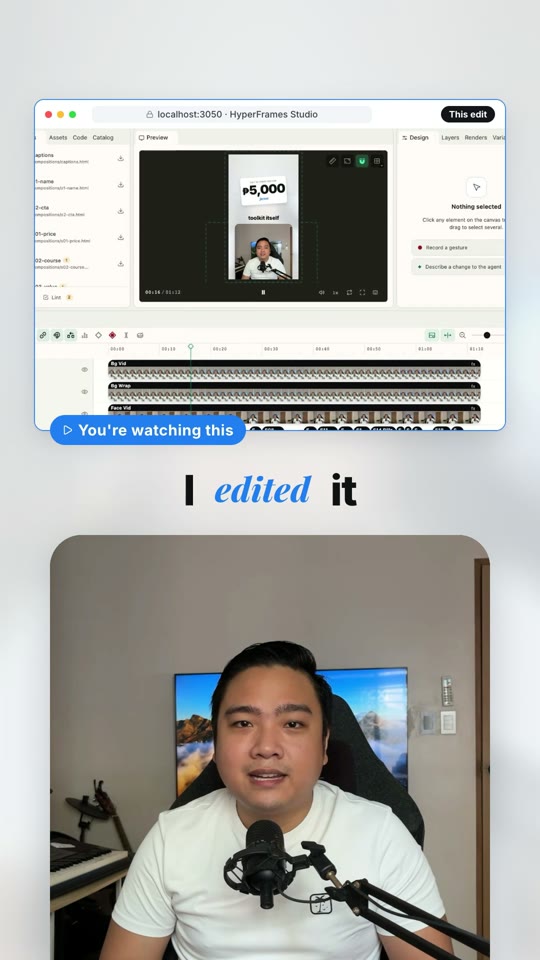 A frame from my finished reel.
Watch the final file.
The final result is a video file. Watch it all the way through before publishing.
- You bring
- A reviewed project and the chosen export format.
- You work toward
- An MP4 you can open and share.
- The human check
- Play the exported file, not just the preview.
An explanation using my own project. This page doesn't edit or upload your files.
From raw to ready.
This is my own recording and the reel I made from it. The tools help with the edit. You decide what is ready to share.
The original recording.The finished reel.Same person.
Your direction.
The cuts, captions, graphics and music come together in an editable project.
Watch the full example →
Two prompts.
A place to start.
Set up Herk Edit Kit once. Then use your own footage for each video. My free guide puts the steps and two prompts in one place.
Download the free guide ↗PDF · 5 pages · v2, October 2026. No email required.
The guide and toolkit are free. AI access may carry separate costs.
Learn it with me.
I'm planning a free live walkthrough of the setup and a short edit. There's no confirmed date yet. Ask for an update when it's ready.
About the free walkthrough →Hi, I'm Ralph.
Curious about the tools.
Careful about the result.
I'm Ralph Joel Bayot, based in Bacolod, Philippines. My background is customer support and software QA, including work at Exodus and Blockchain.
That shapes how I work with AI: explain the steps, try the workflow, check what breaks, and make room for a person to decide.
Follow what I’m making →Career background is self-reported. Former employers do not endorse Automationscape.
A task on repeat?
For business owners, I help scope one repetitive workflow: handling inquiries, capturing lead details or sorting internal information.