PDF · 5 pages · v2, October 2026 No email required.
Made for people who want to try it themselves.
Before you start.
You can read the guide on your phone. The editing workflow runs on a computer.
A computer
A Mac or Windows computer. Allow about 10 GB of free space as a practical starting point.
Local AI access
An AI coding assistant that can work with files on your computer. Check current plan access and usage limits before paying.
The toolkit's tools
Node.js 22+, Git, FFmpeg with ffprobe, and Chrome or Chromium. Setup checks what's missing. Read the toolkit setup notes.
Your own footage
A short recording, a script for correct names, and a style reference. Use media you own or have permission to use.
About tool costs.
The guide and Herk Edit Kit are free. AI assistant access may need a subscription or usage budget. Descript and HeyGen are optional, with their own allowances and terms.
The PDF describes my October 2026 setup. Provider access can change. It has been reviewed against the kit's documentation; a clean installation on a fresh Mac and Windows computer hasn't been verified end to end.
Explore the decisions behind an AI-assisted edit. Start with the setup, or follow a recording through to export.
The workflow runs on your computer.
Start with the tools.
Before the first edit, check the computer, AI access and local tools the kit needs.
You bring
A Mac or Windows computer, local AI coding access and enough free space.
You work toward
The tools and kit installed for a first test.
The human check
You approve installs and sign in to your own accounts.
My editing project, open in its workspace.
Open the right place.
The editing instructions live inside the kit. Your assistant needs to work in that folder.
You bring
The installed herk-edit-kit folder and a local session.
You work toward
A session that can find the kit’s editing skills.
The human check
Check that edit-video and short-form-edit are available.
A working preview is something you can check.
Render a small test.
A successful install is only a starting point. Try a demo before giving it your full recording.
You bring
The kit’s demo project and the documented setup check.
You work toward
A preview and an exported demo file, if setup is working.
The human check
Open the file. Check picture, sound and where it was saved.
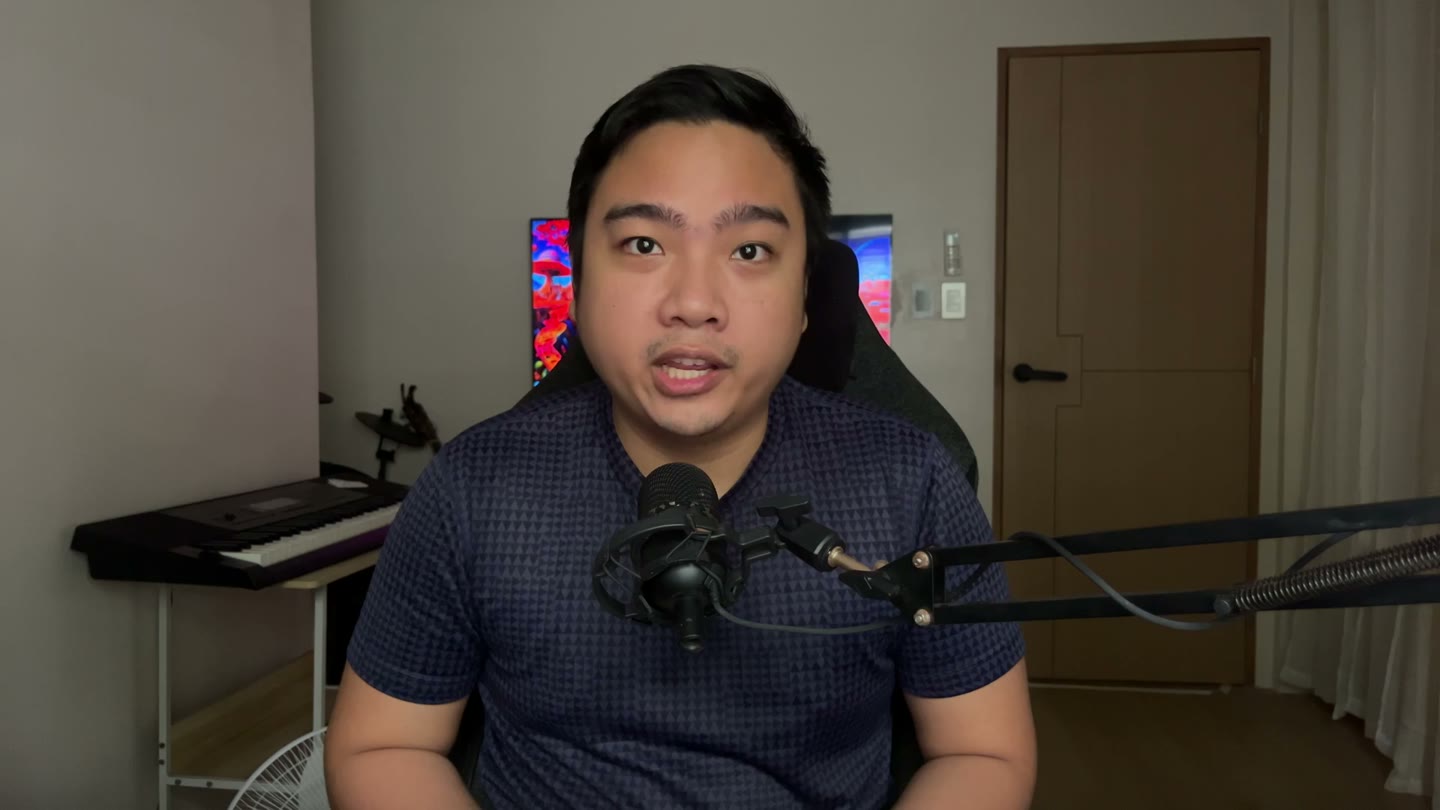
My original recording, before the edit.
Start with your voice.
Give the assistant a recording of your own, a script for spelling, and a reference for the editing style.
You bring
Your video, script, spoken language and intended format.
You work toward
A clear brief for this particular edit.
The human check
You choose the message, the style and what must stay.
“The captions, the cuts, the graphics, the music.”
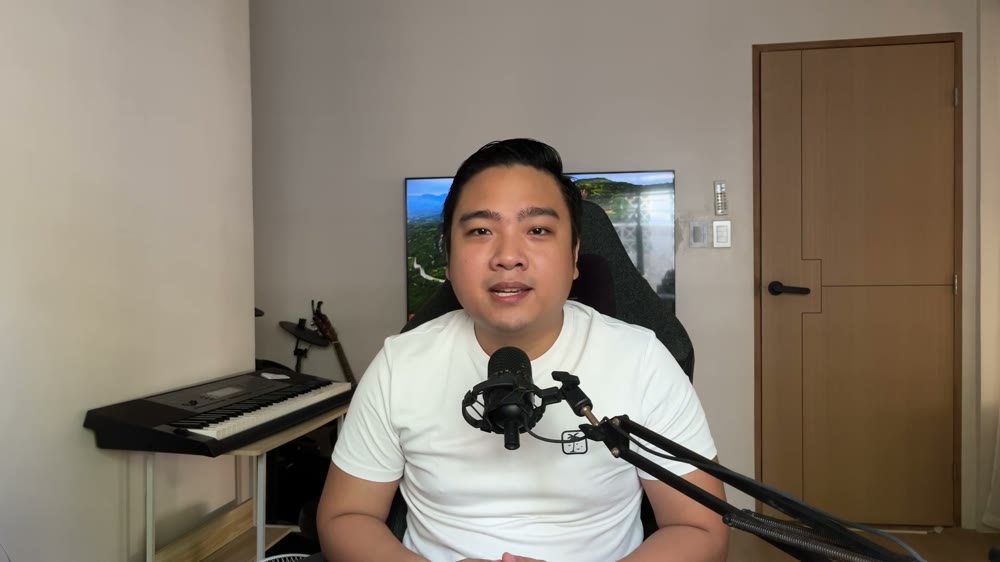
Words from my recording.
An excerpt from my own recording.
Work from what was said.
A transcript gives the edit timing and words. Captions should follow the recording, including ad-libs.
You bring
The recording and the correct spoken language.
You work toward
Words with timestamps to guide cuts and captions.
The human check
Check names, technical terms and multilingual speech.
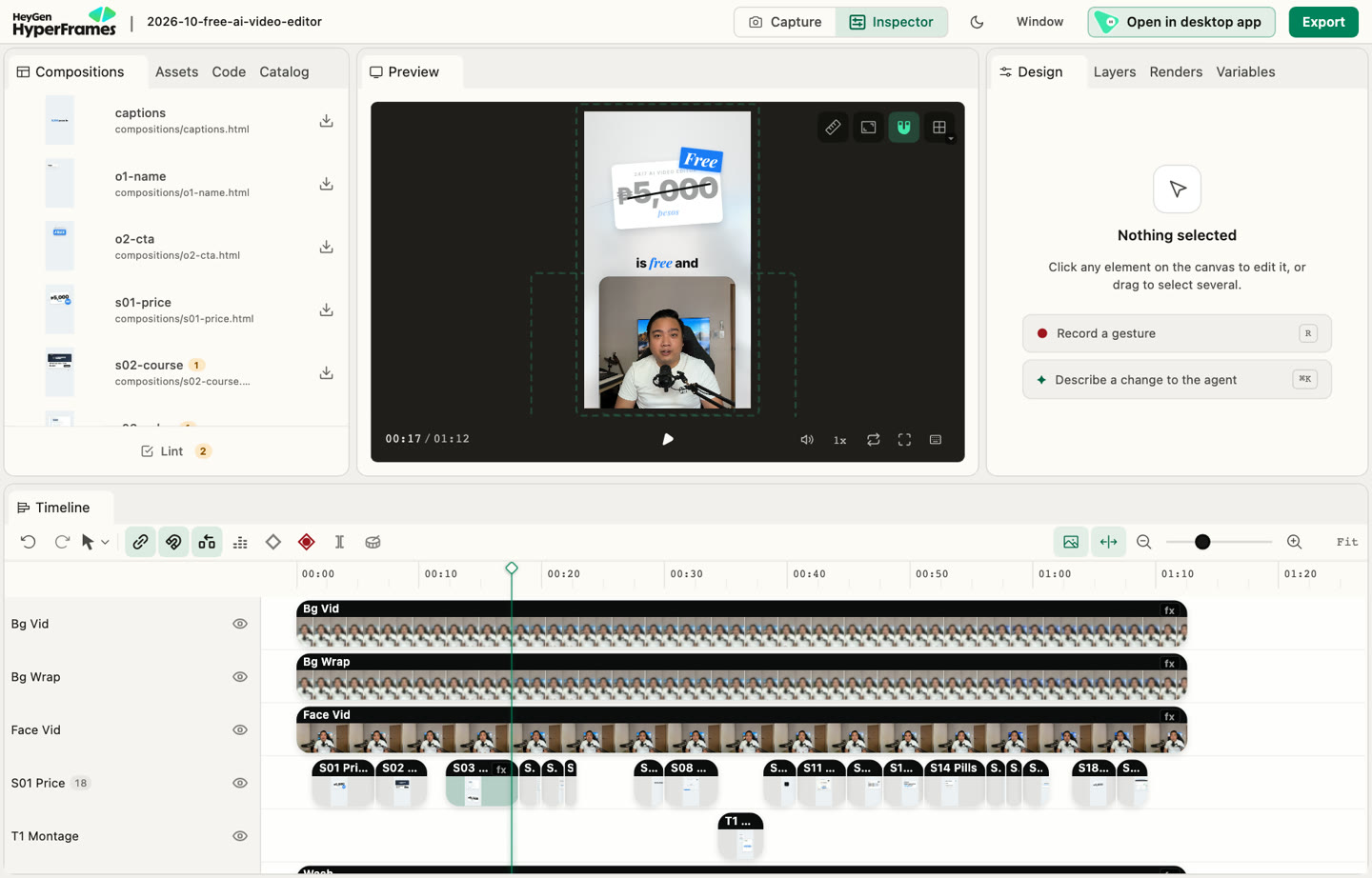
The actual project behind my finished reel.
Shape the first draft.
The assistant uses the kit to tighten pauses, work through retakes, and build captions and graphics.
You bring
The transcript, your brief and media you have permission to use.
You work toward
A working video draft with editable layers.
The human check
Check the cuts and whether the edit preserves your meaning.
A person still decides what is ready to share.
Your judgment stays.
Watch the result. Listen to the sound. An export that completes can still need changes.
You bring
The draft preview and your original intent.
You work toward
Specific fixes or a draft you are ready to export.
The human check
Check pacing, captions, sound, facts and rights to every asset.
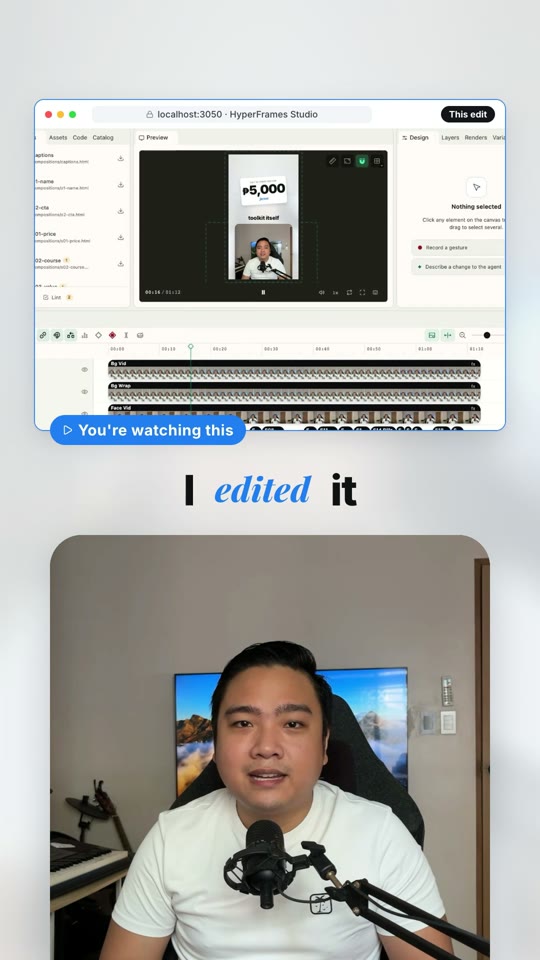
A frame from my finished reel.
Watch the final file.
The final result is a video file. Watch it all the way through before publishing.
You bring
A reviewed project and the chosen export format.
You work toward
An MP4 you can open and share.
The human check
Play the exported file, not just the preview.
An explanation using my own project. This page doesn't edit or upload your files.
One of my edits.
This is my own 72-second reel introducing the kit. It shows a completed result; it isn't a fresh-computer setup test.
Press play for the full video, with sound and captions. The video loads when you play it.
Read the video summary
I introduce the free Herk Edit Kit by Nate Herk and describe using it with Claude Code to edit my own video. The reel shows cuts, captions, graphics and music. The toolkit is free; AI assistant access and optional services may have separate costs.
Open a local session inside the herk-edit-kit folder, not its parent folder. Restart the app if the skills still don't appear. Check the toolkit's setup instructions for your assistant.
FFmpeg isn't found after installation.
Close and reopen the app so it picks up the updated path, then run the setup check again.
Captions get Taglish or Filipino wrong.
Specify the language you speak and ask for multilingual transcription. Review names and technical terms against your script, and check captions against what you actually said.
An optional service isn't available.
Skip it or choose a supported local fallback. Check your account and current allowance before authorizing any cost. The kit's local starter does not require paid transcription or generated assets.
The edit stops halfway through.
Keep the project files, note the error and check the assistant's usage limit. Resume the existing project after the issue is resolved. Include the exact error if you email me for help.
Credit where it's due.
Herk Edit Kit is created by Nate Herk and built on HyperFrames. My guide is an independent walkthrough of that toolkit.
Automationscape isn't affiliated with or endorsed by its creators or tool providers. Requirements checked against the toolkit documentation on 24 October 2026.